

 課程適合你真正了解以 Revit 在本港的 BIM 工程項目的製作與運作
- BIM 開始於一個建築物的資料庫 (Database),所以你需要不單是輸入,更要擷取和分析數據
- 課程讓你了解 BIM 團隊運作,有效地管理和協調 (Collaborate) BIM 設計任務
- 課程連接 Revit Certified User,學證直通讓你可直接免費應考,保障所學,更可晉身 Certified Professional 及更廣闊的 BIM 資歷
- 本課程為 Certificate in Building Information Modeling Production 及 Advanced Certificate in Revit Collaboration 的綜合課程。完成以上兩個課程並考核及格者可獲 Certificate in BIM design with Autodesk Revit
- 本課程獲 CITF 認可,是 CIC Certified BIM Coordinator 其中 BIM Education 評審準則:完成至少 1 個操作級別的 BIM 軟件/平台的培訓課程
- 本課程為 Certificate in Building Information Modeling Production 及 Advanced Certificate in Revit Collaboration 的綜合課程。完成以上兩個課程並考核及格者可獲 Certificate in BIM design with Autodesk Revit
在本課程你可以:
- 有效運用 Revit 作建築物設計方案
- 學習香港本地常用的建築技術 (如高層建築,結構轉換層等) 應用於 Revit 製作
- 輸入建模 (Modeling) 並抽取 (Extract) 有用的 BIM 資訊 (Information)
- 製作高質量,全面一致性的設計文件 (Documentation)
- 了解 BIM 團隊運作,有效地管理和協調 (Collaborate) BIM 設計任務
建築資訊模型 (Building Information Modeling, BIM) 在各類工程的應用已由輔助變成必需,Revit 在設計製作和 BIM 資料管理中有著舉足輕重的角色,如果要在 BIM 製作範疇上有所貢獻,熟練 Revit 技能就必不可少。
這個課程就是能讓你通過 Revit 善用 BIM,在整個建築生命週期獲得其帶來高增值的效益。
本課程為 Certificate in Building Information Modeling Production 及 Advanced Certificate in Revit Collaboration 的綜合課程。完成以上兩個課程並考核及格者可獲 Certificate in BIM design with Autodesk Revit。
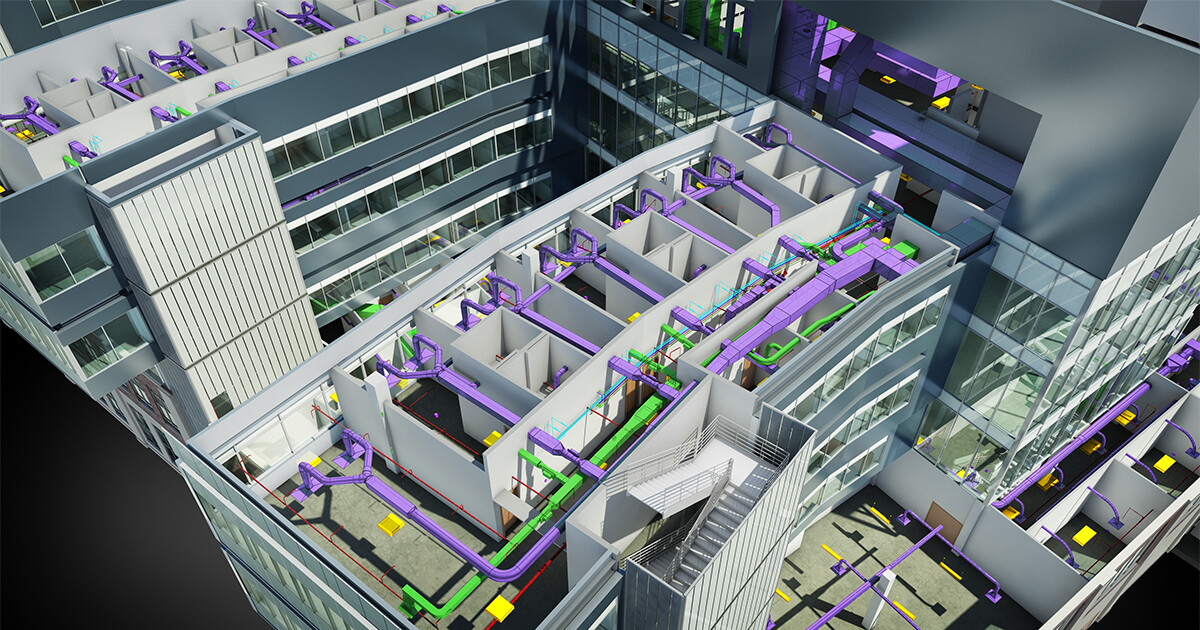
甚麼是 BIM? 簡單來說,BIM 是一種革新的建築資訊技術,將建築設計資訊以 3D 模型,加上設計資訊 (Properties Parameters) 在資料庫內完整的紀錄,就像一幢虛擬的建築物在電腦建立。由於資料齊備而相互關連,你能夠 :
- 十分容易的修改設計
- 更方便以不同的圖像 (2D/3D/報表) 輸出製作設計文件
- 使用模型在不同的軟件內作分析,以符合環保要求或改進方案
這個課程就是能讓你通過 Revit 善用 BIM,在設計獲得其帶來的效益。
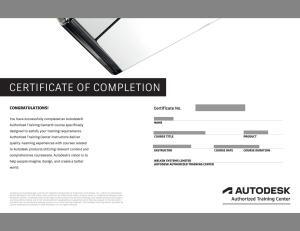
學生達到 80% 的上課出席率,並課終測驗合格,可獲頒畢業證書及 Autodesk 原廠認可修業證書。
本課程是建造業創新及科技基金 (CITF) 預先批核名單 ,合資格的建造業機構可以為成員報讀本課程而獲得每位上限 70% 的學費資助。

面授時間表 | 留位報名
系統預設展示和收取為全期學費。如果有相關的優惠和顯示的金額不同,請在結帳時選擇 “到校付款”,我們的客戶服務主任很樂意為閣下辦理。
Certificate in BIM design with Autodesk Revit
| Course No. 課程編號 | Info. 語言/系統/地點 | Start 開課日 | End 完課日 | Day(s) 上課日 | Time 上課時段 | Duration 課程長度 | Enrol 報名 | |
|---|---|---|---|---|---|---|---|---|
| RVTT-25C03K | Cantonese / PC / MongKok | 20/10 | 27/11 | TUE,FRI | 1900-2200 | 36 hours / 12 sessions | 20261020 |
$7,800留位/訂購 |
課程大綱



客製課程 | 企業培訓
本課程歡迎機構和企業報讀,亦可按閣下需要客製你所需的培訓,歡迎使用以下表格聯絡我們