
Revit MEP課程 – Architectural Design Practice with BIM for Building Services & Survey Professional

"Architectural Design Practice with BIM for Building Services & Survey Professional” is an approved course under the New Technology Training Scheme (NTTS). Company delegates attending the course will get a subsidy of 50% of the course fee from the Government.

學生作品 | 課程內容 | 報名 | 查詢

有關課程查詢,歡迎致電 36053322 | 23322302與我們的客戶服務主任聯絡。For Enquiry, please contact 36053322 | 23322302

天行凝方一直致力為建業界提供專業、高質素的課程培訓。
因應市場上對Autodesk Revit MEP培訓的殷切需求,本中心特開設課程“Architectural Design Practice with BIM for Building Service & Survey Professional”為你深入剖析Revit MEP於建築信息模型(BIM)的應用。本課程只應報讀需求開設,機會難得,請儘快與我們課程主任聯絡安排及報名。

課程介紹

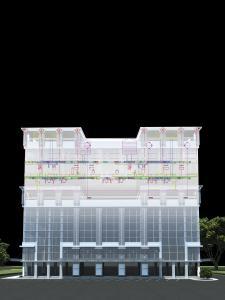
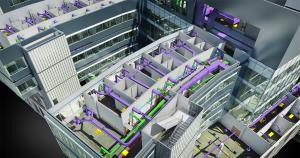
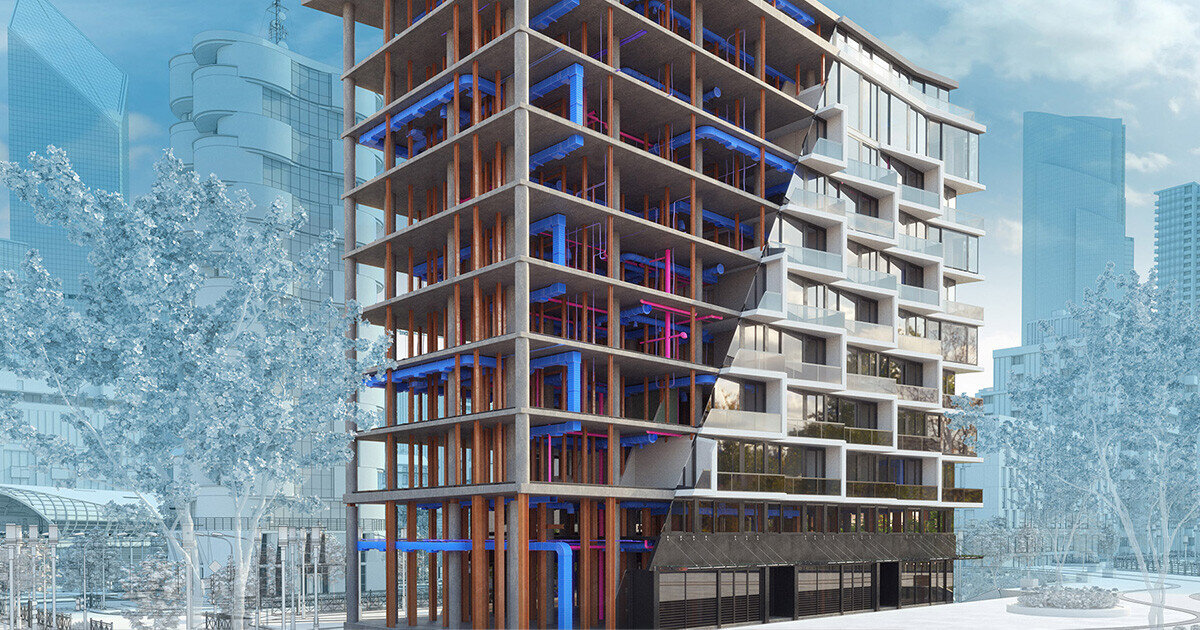
Autodesk® Revit® MEP 軟體是機械工業、機電 (MEP)工程師適用的建築資訊模型 (BIM) 解決方案,提供建築系統設計和分析用的專門工具。有了 Revit
MEP,工程師可及早在設計過程制定更明智的決策,並可以先將建築系統以準確的方式視覺化後再建置。軟體內建分析功能,協助使用者建立可持續、並可與其他應用程式共用的設計,進而獲得最佳的建築效能與效率。使用建築資訊模型(BIM),有助於設計資料保持一致。模型中任何一個檢視的變動,都可以連動其他檢視作出相應的改變,令設計人員可以更有效地建立、控制和顯示設計。這個課程教授如何使用 Autodesk MEP實踐BIM技術應用。完成課程後學將可以:

  • 了解BIM技術的優點
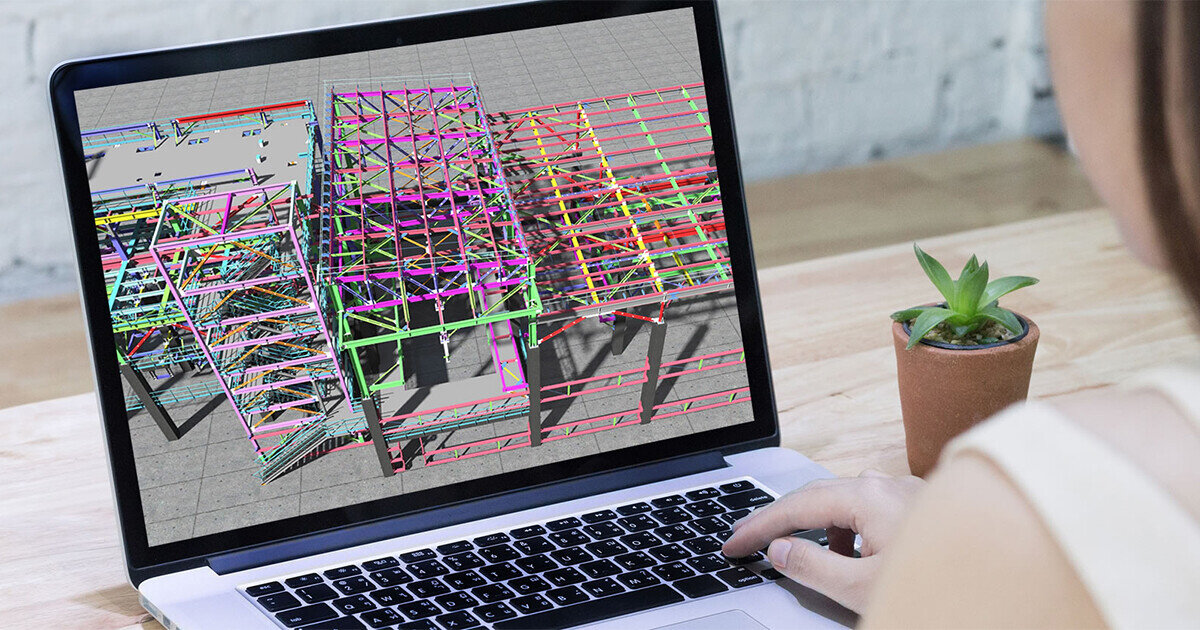
  • 使用Revit MEP 2012及參數化3D設計工具進行設計工作,建立細部設計及檢視圖、建立設計概念圖、建立施工文件,以及利用簡報工具演示模型等

課程重點

  • Revit 是現時最熱門之建築工程業(ACE)電腦應用技術,如希望投入此行業或晉身頂尖技術人員,此課程正為你而設。
  • BIM技術日漸成熟,亦漸成業界標準,必需準備充足,以能於激烈的就業市場屹立不倒。
  • 本課程由淺入深,全面裝備學員使用以至管理 BIM項目。
  • 使用AOTC (Autodesk 官方培訓教材),確保課程質素。
  • 學員修畢課程,會獲頒Autodesk原廠認可修業證書,為你的實力加上專業肯定。

新科技培訓計劃 (NTTS)

新科技培訓計劃 (NTTS) 是香港創新科技署的一項資助計劃,若  貴公司為本港非政府或其資助機構, 報讀課程的員工, 將獲資助50%學費。

按此下載新科技培訓計劃 (NTTS) 申請表格

課時及收費

本期課程已經開課,閣下或貴公司如有意報讀,請致電36053325查詢往後開課安排。

課程日期|時間|
2012/03/27(Tu) 19:00-22:00
2012/04/03(Tu) 19:00-22:00
2012/04/17(Tu) 19:00-22:00
2012/04/24(Tu) 19:00-22:00
2012/05/08(Tu) 19:00-22:00
2012/05/15(Tu) 19:00-22:00
2012/05/22(Tu) 19:00-22:00
2012/05/29(Tu) 19:00-22:00
2012/06/05(Tu) 19:00-22:00
2012/06/12(Tu) 19:00-22:00
上課地點
天行旺角培訓中心 九龍旺角彌敦道585號富時中心3樓 (信和中心對面)
學費
$7200 (課程完畢,當成功申請新科技培訓計劃的50%支助後為$3,600)

課程簡介 (請使用全螢幕播放以獲最佳效果)

Detailed Course Outline 課程內容

Lesson 1-6: Essential Level - Operation Technique of Revit

Building Information Modeling

  • Building Information Modeling for MEP Engineering

Revit MEP Basics

  • Exploring the User Interface
  • Working with Revit Elements and Families

Viewing the Model

  • Managing Views
  • Controlling Object Visibility
  • Working with Section and Elevation Views
  • Creating and Modifying 3D Views

Starting a New Project

  • Setting Up Projects
  • Linking Revit Models
  • Sharing Projects Using Worksets
  • Defining Discipline Settings
  • Importing and Editing DWG Details

Defining Volumes

  • Creating Soaces
  • Creating Zones

Building Performance Analysis

  • Building Performance Analysis
  • Defining Heat and Cooling Loads
  • Calculating Heating and Cooling Loads

HVAC Systems

  • Creating HVAC Systems
  • Generating HVAC System Layouts
  • Creating and Modifying Ductwork

Piping Systems

  • Creating System Piping

Plumbing Systems

  • Creating Plumbing Systems

Fire Protection Systems

  • Creating Fire Protection Systems

Electrical Systems

  • Creating Electrical Circuits
  • Creating Wiring

Working with Architects and Engineers

  • Monitoring Changes in Linked Files
  • Checking and Fixing Interference Conditions

Detailing and Drafting

  • Creating Callout Views
  • Working with Detail Views
  • Working with Drafting Views

Annotations and Schedules

  • Working with Text and Tags
  • Working with Dimensions
  • Creating Legends
  • Working with Schedules

Construction Documentation

  • Working with Titleblocks
  • Working with Sheets

The Family Editor (Optional)

  • Creating and Modifying Families
Lesson 7-10: Advanced Level - Families Creation & Advanced Features
Lesson 7: Families Creation I
  • Families Concept
  • Procedure to Prepare Families
  • Family Creation: Modify a Fan Family

Advanced Features: Groups in Revit

Lesson 8: Families Creation II

  • Family Creation: Modifying Electrical Equipment Families
  • Family Creation: Annotation Tag
  • Family Creation: Title Blocks

Advanced Features: New Conceptual Design Tools

Lesson 9: Families Creation III

  • Family Creation: Lighting Fixture
  • Complex Model Family

Advanced Features: Curtain Wall Advance

Lesson 10: Families Creation IV

  • Family Creation: In-place Family
  • Family Creation: Profile Family
  • Family Creation: Nested Families
  • Parametric Component Design Techniques

Advanced Features: Area Analysis & Project Phasing

Enquiry 查詢

您的姓名 〈需填寫〉

您的電子郵件信箱 〈需填寫〉

您的聯絡電話 〈需填寫〉

請選擇以下活動:
 NTTS 認可課程 - Autodesk Revit MEP 2012
請填寫留位數目:

驗証碼 〈需填寫〉
captcha
Please re-type above words 請鍵入以上文字驗證